
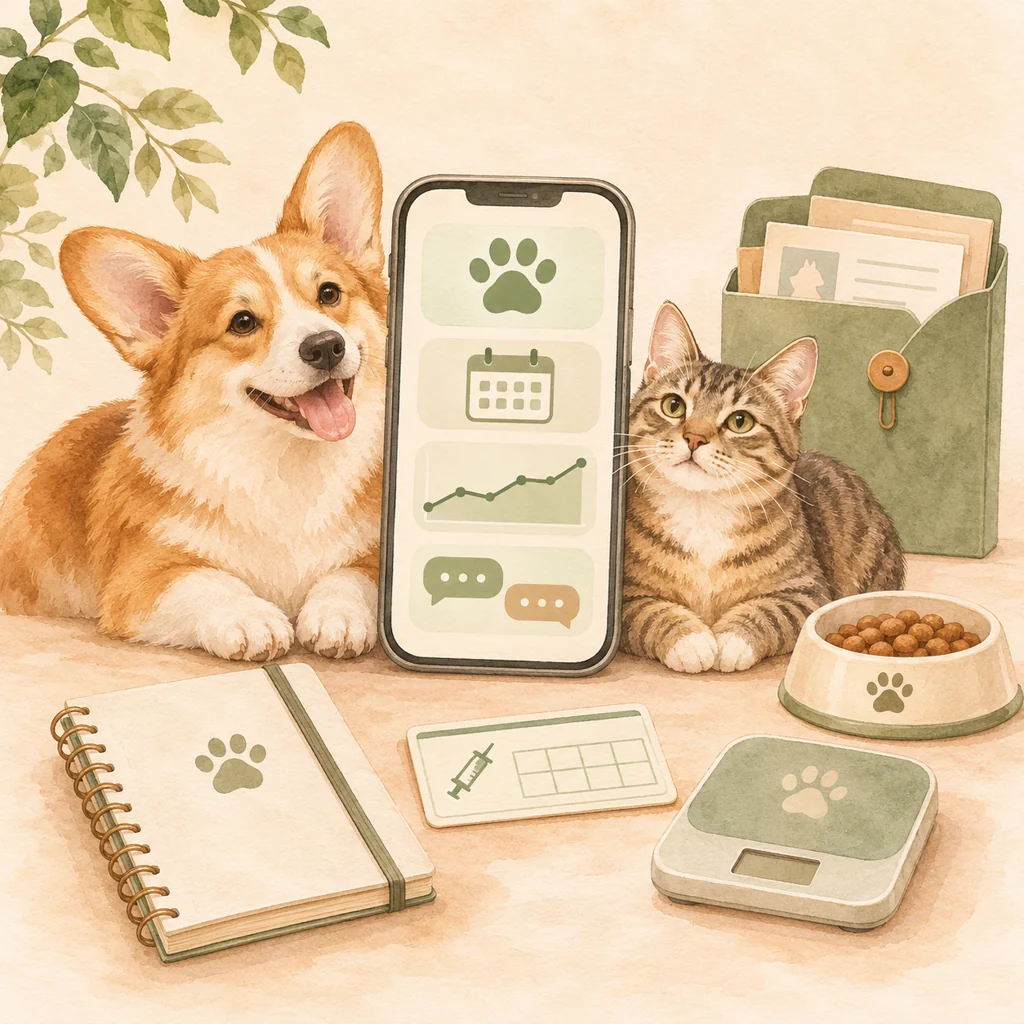
A good pet veterinary app should offer separate pet profiles, vaccination and health records, care reminders, weight tracking, document storage and clear privacy information. If it includes AI, look for understandable explanations and honest limits. First decide whether you need everyday organization or an actual consultation with a licensed veterinarian.
Tasma is a pet care companion for dog and cat owners. It combines records and reminders with AI-assisted observations and everyday questions. This guide explains the features to compare and how Tasma's tools fit into that checklist.
What features should I look for in a good pet veterinary app? Start here
Prioritize reliable information organization before impressive feature names. Can you find the right pet's details quickly, check important dates and understand what an AI result actually means? Check platform compatibility, current access limits, subscription terms and permissions before relying on an app.
The AAHA/AVMA telehealth guidelines describe connected care within veterinary practice. An owner-focused organizer serves a different role: it helps prepare information and questions for your veterinary team.
1. Individual pet profiles and Digital Pet ID
Look for separate profiles so a cat's information stays distinct from a dog's. Tasma organizes the details you choose to provide and offers a Digital Pet ID for essential information. Keep it accurate; a digital card does not replace microchipping or official identification.
2. Vaccination records, treatments and care reminders
Tasma brings vaccination information, treatment details and care reminders together. Record dates from your clinic's paperwork and check them when plans change. Reminders support your routine; your veterinarian determines appropriate care and timing.
Related guide: Organize dog and cat vaccination records.
3. Weight tracking and changes over time
A useful tracker preserves dated measurements rather than showing only today's number. Tasma lets you log weight and follow changes. Consistent records give you something concrete to discuss with your vet; a graph alone cannot explain a change.
4. Document storage and veterinary visit information
Look for a convenient place to keep care documents and appointment notes. Tasma's Vault stores important documents, alongside tools for organizing veterinary visits and health records. Review available PDF export options when preparing information to share, and keep original clinic documents.
5. Ask Tasma: an AI care assistant
Ask Tasma supports informational conversations about behavior, nutrition and daily care, using pet details you provide as context. It can help organize follow-up questions. It is not a live online veterinarian, cannot diagnose your pet and should never delay urgent care.
Explore the tools: See Tasma's pet care features.
6. Photo Analysis for visible cues
Tasma's Photo Analysis explores visible expression and body-language cues. Treat interpretations as possibilities, checked against the setting and your observations. A photograph cannot establish an animal's feelings or rule out illness.
7. Food Analysis for ingredients and labels
Food Analysis helps explain pet food ingredients and nutritional information, with relevant profile details as context. Use it to understand a label and prepare questions, rather than assuming an ingredient explanation proves a diet is suitable for your pet.
8. Stool Analysis for appearance observations
Stool Analysis provides informational observations from a photo. Context such as timing, diet and other changes still matters. An image-based result is not a laboratory test or a diagnosis, and concerning changes belong with your veterinarian.
9. Video Analysis for movement and context
Tasma Premium includes Video Analysis for video-based observations. A clip can capture movement a still image misses, but its interpretation remains limited by what is visible. Check current platform availability and access conditions before subscribing.
10. Voice Translation and everyday pet tools
Voice Translation explores pet vocalizations as possible interpretations, not literal sentences. Tasma also includes cat and dog sounds, a clicker, a whistle and tools for recording familiar sounds on your device. Use sounds gently without provoking distress.
Privacy, access and veterinary boundaries matter too
Review permissions, account and data-deletion information, language support and what requires Premium. Tasma supports multiple languages and has free usage limits alongside Premium access; check your current store listing and in-app terms rather than assuming unlimited use.
For professional care, check who provides it and what service is actually offered. The AVMA's connected-care resource explains veterinary telehealth. Tasma's AI tools complement everyday care organization; they do not turn the app into a veterinary clinic.
Frequently asked questions about pet veterinary app features
What features should I look for in a good pet veterinary app first?
Start with accurate profiles, accessible records and reminders you understand. Add AI tools when their purpose, limitations and access conditions are clear.
Does Tasma provide online veterinary consultations?
Ask Tasma is an AI informational assistant, not a consultation with a licensed veterinarian. Contact your veterinary team directly for medical decisions and urgent concerns.
Can one pet care app organize both dogs and cats?
Tasma supports dog and cat profiles. Keep each companion's information separate, and select the appropriate profile when recording details or exploring pet-specific questions.
Are photo, food, stool and video analyses diagnoses?
No. They provide informational observations that may be incomplete or wrong. Verify important conclusions with a veterinarian rather than treating an AI output as a medical assessment.
How can I explore Tasma before choosing Premium?
Review the store description, available free access and in-app plan details. Try the organization tools against your own routine, then decide whether additional access meets a specific need.