
A closer look at AI pet insights, everyday care, and the little details that matter.
Tasma is an AI-assisted pet health and care app for iPhone that helps cat and dog owners understand everyday observations, keep important information together, and build a more organized care routine.
Pet care is full of small questions. Tasma gives them a place.
Living with a pet means noticing things. A different expression in a familiar photo. A new ingredient on a food packet. A weight measurement you meant to write down. A vaccination date that is somewhere in your messages, but difficult to find when you need it.
Each detail may be small on its own. Together, they form the everyday story of your pet’s care. Tasma brings several parts of that story into one app: AI-assisted photo, video, voice, food, and stool analysis; an AI care assistant called Ask Tasma; pet profiles; weight and vaccine tracking; a document Vault; a Digital Pet ID; and a sound library for cats and dogs.
The app combines tools for understanding an observation with tools for remembering what matters. You can explore what a photo appears to show, look more closely at a food label, record a new weight, or organize a document from your vet. Its value comes from making those ordinary actions easier to manage.
Tasma’s AI features provide informational interpretations. They do not establish a medical diagnosis or replace professional veterinary care. The aim is to help you ask clearer questions, organize useful information, and give more attention to your pet’s routine.
A closer look at the moments you capture
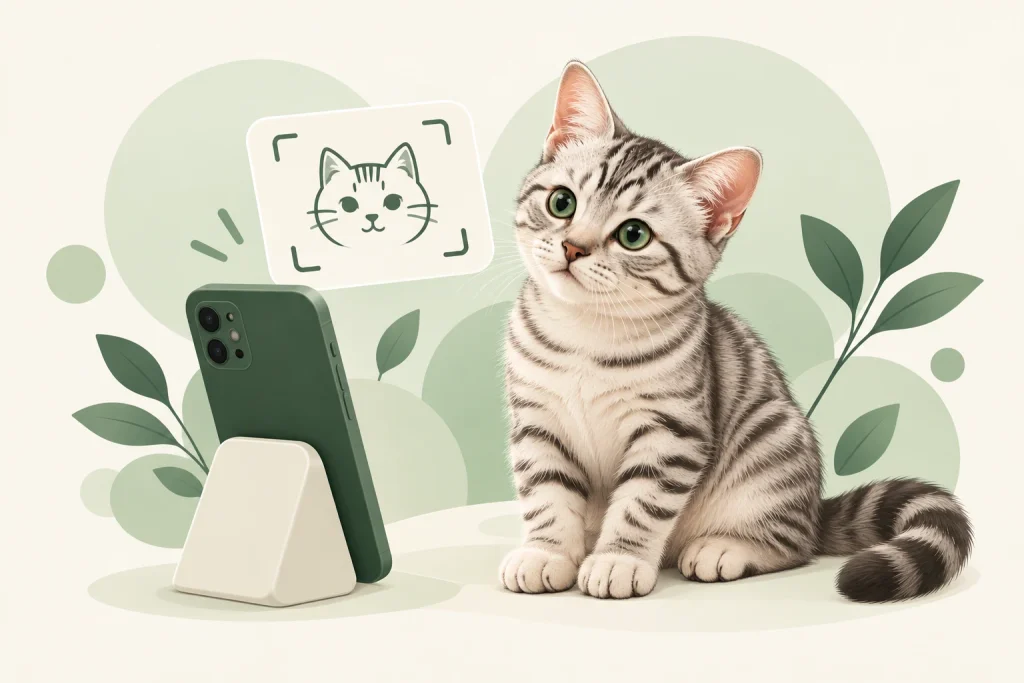
A photograph can capture an expression you might otherwise miss. Your cat may look particularly alert, or your dog may appear settled after a familiar activity. Tasma’s Photo Analysis uses AI to interpret visible cues in a pet photo and offer a possible description of the moment.
You can take a photo or select one from your device. The app then presents an interpretation of the pet’s apparent mood or behavior. Its emotion vocabulary includes states such as happy, relaxed, playful, curious, anxious, stressed, sad, tired, and alert.
The result is a starting point for observation. A single image shows one instant, and details such as lighting, camera angle, posture, and what is happening around your pet can affect the interpretation.
How Photo Analysis fits into daily life
You might use it when a familiar expression catches your attention, when you want to look more carefully at a relaxed moment, or when you are learning to notice your pet’s body language. Rather than treating an emotion label as a certainty, compare it with what you know about the situation.
A clear image with the pet visible gives the AI more to work with. The useful question is not simply “Which mood label did I get?” but “What can I notice in this picture, and how does it fit with my pet’s behavior?” Tasma helps turn a quick photo into a more deliberate observation.
See a little more of the moment
A photo holds a single frame. A video adds movement and sequence: how a pet changes position, responds to something nearby, or behaves across a short moment. Tasma’s Video Analysis offers AI-assisted interpretation of pet behavior and apparent emotional cues in a video.
It is useful when movement is central to what you want to understand. A brief clip can provide context that is difficult to capture in a still image, such as a change from quiet observation to playful activity.
The feature is part of Tasma Premium. Its interpretation remains informational: a video can show visible behavior, but it cannot explain every reason behind it. Your knowledge of the pet and the circumstances still matters.
Include the sounds your pet makes
Pets communicate through sound as well as movement and expression. Tasma’s Voice Analysis lets you record a pet’s vocalization for AI-assisted interpretation, adding another way to explore something you have noticed.
This gives a sound a place in the conversation about your pet. You might want to understand a recurring vocalization or consider how it relates to what was happening at the time. The recording is the input; the surrounding situation helps you interpret the result.
Voice Analysis should be understood as an interpretation of an audio sample. It is not a literal translation of an animal’s thoughts. Consider what your pet was doing, whether the sound was familiar, and how it fits with their usual behavior.
FOOD ANALYSIS
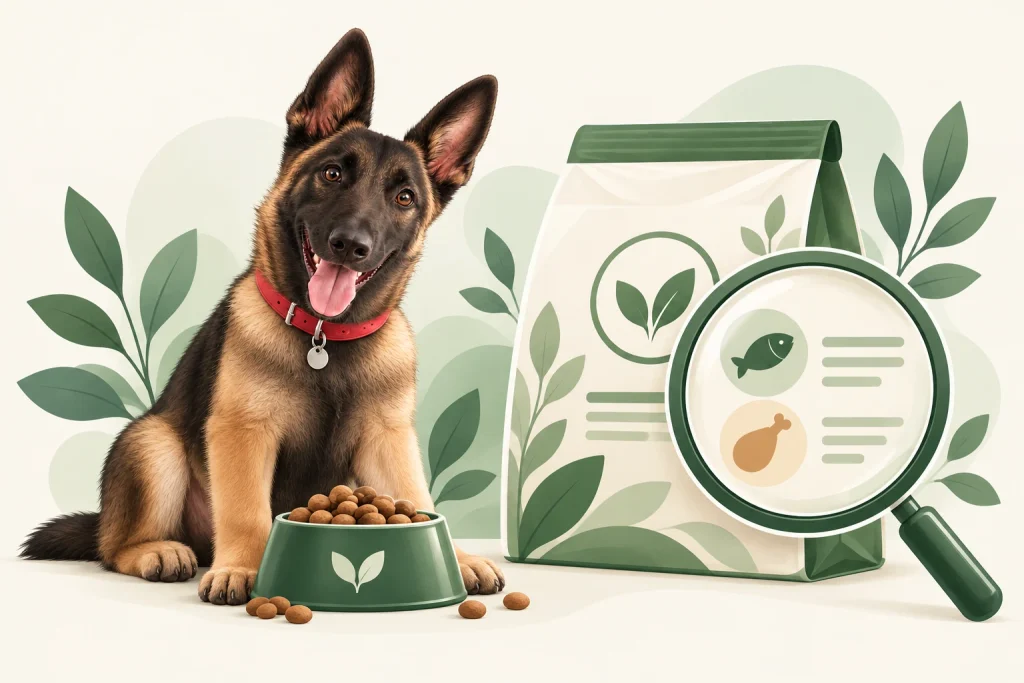
Choosing pet food often means reading a packet full of unfamiliar terms. Marketing language may be easy to understand, while the ingredient list and nutritional information require more attention. Tasma’s Food Analysis helps explain what is on the label.
Use a photo of the pet food information as the starting point. The AI can explain ingredient quality, discuss the protein information available on the label, and highlight ingredients or pet-profile considerations that deserve a closer look.
The goal is to make the information easier to read. A helpful explanation lets you understand what the product says, identify questions, and compare the label with information you already have about your pet.
What to look for in a food analysis
Begin with the ingredients and nutritional details the image actually contains. A clear, readable label gives the feature useful information; an incomplete or blurred photograph limits what it can explain. Packaging claims and the ingredient list should be considered together.
Pet context also matters. A general explanation of a food label is different from an individual feeding plan. If your pet has allergies or specific dietary requirements, those details should remain part of the decision. Tasma helps you understand the label and prepare more focused questions about it.
A practical use: when you are comparing two food products, use the explanations to understand how their labels differ. For a prescribed diet or an individual nutritional concern, make the final choice with your veterinarian.
STOOL ANALYSIS

Stool is an ordinary part of pet care, but describing a change can be surprisingly difficult. Tasma’s Stool Analysis uses a photo to interpret visible characteristics, including appearance, color, and texture, and present an informational explanation.
This can help you put an observation into words. Instead of relying only on “It looks different,” you have a clearer way to think about what the image appears to show and what you may want to discuss.
The feature analyzes the photograph. It does not test a sample or establish what caused a change. An AI explanation is one piece of context, alongside your pet’s behavior and the information you provide to a professional.
From noticing a difference to explaining it
Use a clear photograph when you want help describing an observation. Think about when you noticed the difference and whether it is new or recurring. Those details can make your own account more useful, even though they cannot be established from the image alone.
Tasma can make the visual information easier to understand. If something concerns you, the next step is professional veterinary advice rather than repeatedly analyzing the same image for reassurance. The app’s role is to support attention and communication.
ASK TASMA
Not every pet-care question begins with a photo. Sometimes you want a term explained, a care topic broken down, or help organizing what you have noticed. Ask Tasma is the app’s AI assistant for those conversations.
You can ask a question in ordinary language and follow up when you need more detail. This makes the feature useful for exploring everyday care topics without having to know the right technical vocabulary before you begin.
UNDERSTAND
“Can you explain this ingredient on my dog’s food label?”
OBSERVE
“What details should I note when describing a change in my cat’s behavior?”
PREPARE
“Help me organize questions for my pet’s next vet visit.”
Clearer questions make a better conversation
Give the assistant relevant context in your message: the pet you are discussing, what you have observed, and what you want to understand. You can then ask it to explain an unfamiliar phrase, simplify an answer, or help you structure your notes.
Ask Tasma is an AI conversation, and its answers may be incomplete or mistaken. It does not connect you with a live veterinarian. For individual medical decisions, use the conversation to prepare questions and discuss them with a qualified professional.
PET PROFILE
A care app becomes more useful when the information belongs to a clear, recognizable profile. Tasma’s Pet Profile keeps the essential details about your cat or dog together, including a photo, name, species, breed, and birth date.
You can also add details such as a microchip ID, allergies, and an owner’s phone number. These fields help make the profile useful beyond a name and picture. They give important information a predictable place, so you can find it when you are reviewing care details or preparing an identification card.
IDENTITY
Photo, name, species & breed
LIFE STAGE
Birth date & recorded weight
IMPORTANT DETAILS
Allergies, microchip & owner contact
A useful profile stays current
The profile is the reference point for your pet’s information. Review it when contact details change, when you need to update an allergy entry, or when you are adding new care information. It is easier to rely on a record that reflects the pet’s current circumstances.
Having the basics together also reduces the amount you need to remember during a conversation. You can check the profile, review your recorded weights and vaccine information, and then describe your pet more clearly.
WEIGHT TRACKING
One weight measurement tells you where your pet is at a particular moment. A history of measurements lets you see how that number changes. Tasma’s Weight Tracker lets you record weights and review them through a chart and measurement history.
The dedicated tracking view offers three-month, six-month, one-year, and all-history ranges, with three months as the starting view. This makes it possible to look at recent changes or step back and consider a longer period.
Use history to ask more specific questions
A graph makes a sequence easier to read than a collection of numbers scattered across notes. It can help you see whether a change is recent, gradual, or part of a longer pattern. The underlying entries remain useful because they show what you recorded and when.
Tasma also presents an estimated healthy-weight range as context. That estimate is not an individual clinical assessment. Your veterinarian can interpret the measurements in relation to your pet’s body condition, age, breed, and circumstances.
Weight tracking is available in the free app. Its everyday benefit is straightforward: you have a record to consult instead of trying to remember what the scale said last time.
HEALTH & VACCINE TRACKING

Pet care has a calendar of its own. Vaccine dates and treatment reminders are easier to manage when they live in a place you can check regularly. Tasma’s Health & Vaccine Tracking helps you record those details and keep upcoming dates visible.
You can add vaccine and treatment entries, including a custom name when the available categories do not describe what you need to record. The app schedules local reminders before the due dates you enter, with reminders set for the day before.
This helps turn a piece of information from a conversation or document into a practical reminder. The record tells you what is coming up; the notification brings it back to your attention.
Build the calendar around your pet’s actual care plan
The dates should come from your pet’s records and the plan you agree with your veterinarian. Tasma organizes the entries you provide; it does not independently determine which vaccines or treatments your pet should receive.
When you receive a new date, add it while the information is still easy to find. Review existing entries when the schedule changes, and allow notifications if you want reminders to appear. Health and vaccine tracking is available without a Premium subscription.
PET VAULT
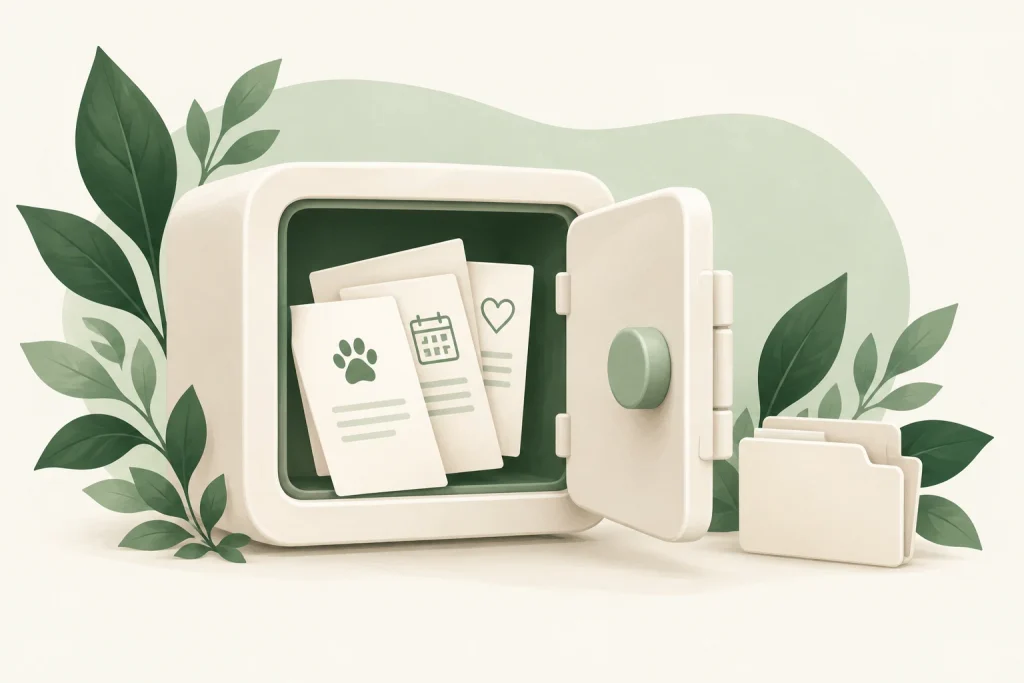
A date in a calendar and the document it came from serve different purposes. The calendar helps you remember an action; the document contains the fuller record. Tasma’s Pet Vault gives those files a dedicated place in the app.
You can use the Vault to keep pet-related documents together rather than leaving them spread across unrelated folders, messages, or screenshots. A vaccination record, a veterinary document, or another care file becomes easier to locate when you know where you put it.
The free version supports seven stored files. Tasma Premium removes that file-count limit, giving owners with a growing collection of records more room to organize them.
Make a document useful before you need it
When you receive a pet-care document, add the file you want to keep and check that it is readable. A clear record is more useful than a blurred copy whose details are difficult to make out.
The Vault complements the other organizational tools. Your profile provides essential identity information, the health tracker holds dates, the weight tracker holds measurements, and the Vault holds the supporting documents. Each gives a different part of your pet’s care a consistent place.
PET ID
Tasma’s Digital Pet ID brings important profile details into an identification card. It can include your pet’s photo, name, breed, microchip information, allergies, and owner contact details.
The card includes a QR-code element and a Share as Image option. Sharing the image gives you a convenient way to pass along the information shown on the card, such as when someone else is helping with your pet’s care.
Its usefulness depends on accurate information. Review the contact number and other details before sharing, and choose the information you are comfortable including. A digital card makes the essentials easier to find and present together.
Digital Pet ID is available in the free app. It adds a practical, portable view of information you have already organized in the pet profile.
Explore another part of everyday interaction
Tasma also includes a sound library for cats and dogs. It brings pet-focused audio into the app alongside its observation and care tools, giving owners a way to explore sounds during everyday interaction.
The library and Voice Analysis serve different purposes. Voice Analysis begins with a recording of your pet. The sound library provides audio to play. Keeping that distinction clear makes it easier to choose the right feature for what you want to do.
Use the library thoughtfully and pay attention to how your own pet responds. Animals can react differently to the same sound, so the experience should follow the pet’s comfort and interest.
The library is an interaction feature. A particular sound should not be treated as a guaranteed way to produce a behavior or as a health intervention.
What is included in Tasma Free and Premium?
Tasma combines free care tools with Premium features for owners who want additional functionality. You can begin by organizing a pet profile, recording weights, managing vaccine reminders, and creating a Digital Pet ID.
Photo, Food, and Stool Analysis share a free daily allowance of two uses in total. That means the allowance is shared across these three tools, rather than providing two separate uses for each one. The free Vault allows seven stored files.
| Feature | Access |
|---|---|
| Pet profile, weight tracking & vaccine reminders | Available in the free app |
| Digital Pet ID | Available in the free app |
| Photo, Food & Stool Analysis | Shared free allowance: 2 uses per day |
| Pet Vault | Free: 7 files · Premium: no file-count limit |
| Video Analysis | Premium |
| PDF export | Premium |
Premium includes Video Analysis and PDF export, and expands the Vault’s storage allowance. The subscription screen in the app shows the current plan details and price, so you can review those before choosing an option.
How the tools can work together in everyday life
Tasma does not need to become another daily task. It can be useful at the moments when you already have something to record, understand, or organize.
Use a photo, video, or voice recording to explore an observation. Read the interpretation alongside what you know about the situation, and use Ask Tasma if you want a care topic explained.
Photograph a readable label, review the explanation, and identify the questions that matter for your pet. Keep any individual dietary requirements in the conversation.
Add a new weight or vaccine date while the details are available. Place the related document in the Vault so the measurement, reminder, and fuller record each have a place.
WHEN SOMEONE ELSE HELPS
Check the profile and Digital Pet ID before sharing essential details with a sitter, family member, or another person involved in your pet’s care.
The benefit is continuity. A useful observation does not have to compete with a forgotten date or a missing document. You have several tools for handling different details, organized around the same pet.
Who is Tasma designed for?
Tasma is designed for cat and dog owners who want a clearer view of everyday care. It can be useful if you enjoy understanding your pet’s behavior, want help reading pet-food information, or need a more consistent way to keep track of weights, care dates, and documents.
For a new owner, the app offers places to learn and organize the basics. For someone with an established routine, it brings familiar tasks into a more convenient format. Owners who keep several care records can also benefit from having important details close at hand.
The interface follows a calm, minimalist approach, using forest green, sage, and warm neutral tones. The design supports the everyday purpose of the app: find the tool you need, understand the information in front of you, and return to caring for your pet.
Frequently asked questions about Tasma
What is Tasma App?
Tasma is an AI-assisted pet health and care app for iPhone. It combines pet analysis tools, an AI care assistant, profiles, tracking, documents, identification, and pet-focused audio for cat and dog owners.
Does Tasma work with cats and dogs?
Yes. Tasma is designed around cat and dog care, including pet profiles, analysis experiences, and a sound library for both species.
Is Ask Tasma a consultation with a veterinarian?
Ask Tasma is an AI assistant. It provides informational responses and can help explain topics or organize questions. It does not provide a live consultation with a veterinarian.
Can Tasma diagnose my pet from a photo, video, or recording?
No. The analysis tools interpret the information you provide. Their outputs can support observation and understanding, but they do not establish a medical diagnosis or replace professional veterinary assessment.
What can Food Analysis explain?
It helps explain the visible pet-food label, including ingredients and protein information, and highlights considerations worth reviewing. Its usefulness depends on a clear, readable image and the information actually shown.
Can I track weight and vaccination dates for free?
Yes. Weight tracking and health and vaccine reminders are available in the free app. Digital Pet ID is also available without a Premium subscription.
How many files can I keep in the Pet Vault?
The free version supports seven stored files. Premium removes the Vault’s file-count limit.
Are the daily free analyses counted separately?
No. Photo, Food, and Stool Analysis share two free uses per day in total. Using one of these tools counts toward the same allowance.
Which features are included in Premium?
Premium includes Video Analysis and PDF export, along with an unlimited file count in the Vault. Review the in-app subscription screen for current plan details and pricing.
Can I share my pet’s Digital ID?
Yes. The Digital Pet ID includes a Share as Image option, allowing you to share the information displayed on the card. Check that your details are accurate before sharing it.
A little more understanding. A more organized routine.
Tasma brings observation and organization into the same app. Its AI tools help you explore a photo, video, recording, or label. Its care tools give profiles, weights, dates, documents, and identification details a place you can return to.
That combination supports a simple habit: notice what matters, keep the information you need, and ask clearer questions about your pet’s care.