
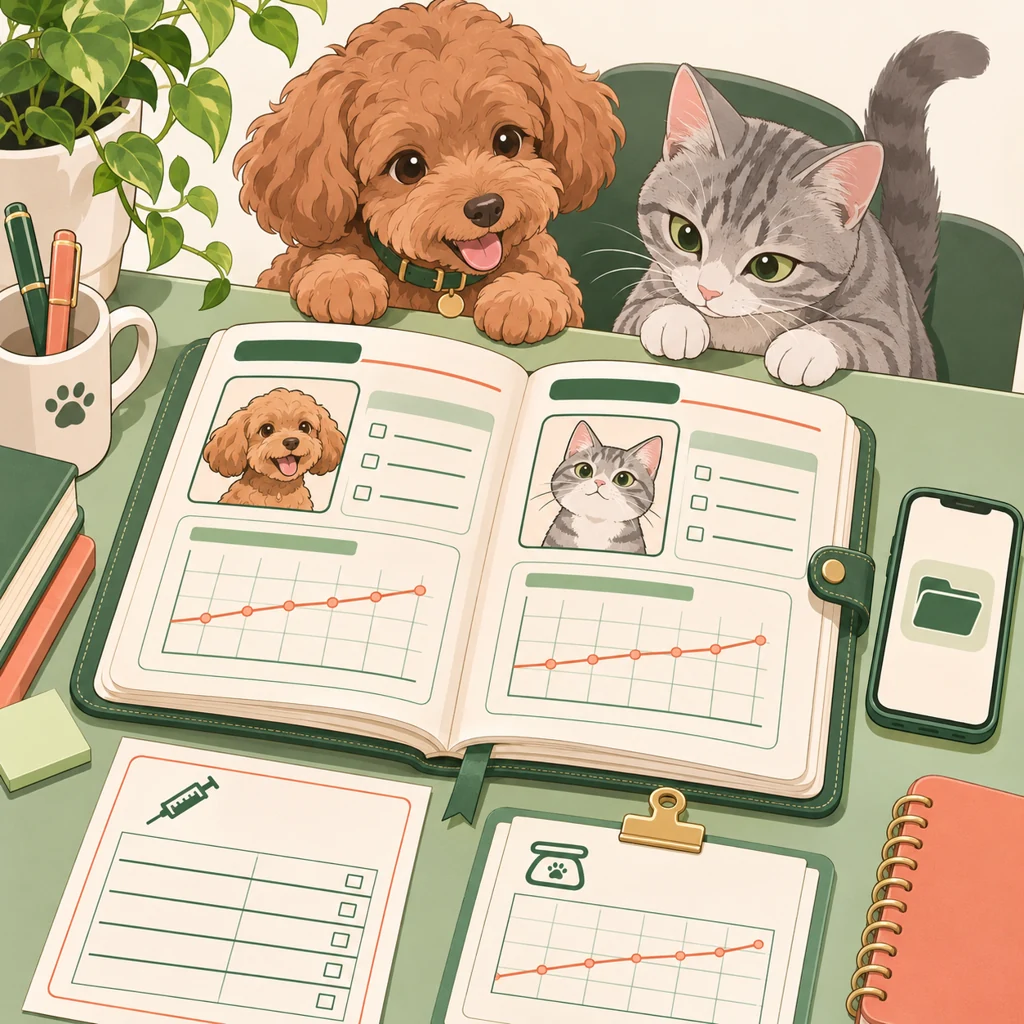
Pet care apps help manage pet health records by keeping profiles, dated entries, documents and reminders easier to review. They can help owners prepare a clearer history for a veterinary appointment. Their usefulness depends on accurate information: an owner’s app is a companion to the clinic’s medical record, not a replacement for it.
How do pet care apps help in managing pet health records? The practical answer is less searching and more context. Instead of looking through emails, photographs and handwritten notes, you build a routine for recording what happened, when it happened and where the supporting document came from.
Why an organised pet health history matters
A date alone rarely tells the whole story. A weight measurement is more useful with its unit and recording date. A vaccination entry is easier to check when it matches the clinic’s documentation. A note about appetite becomes clearer when you record when the change began.
VCA Animal Hospitals explains in its guide to sharing medical records that previous illnesses, test results, treatments and responses help a new veterinarian understand an animal’s history. It also distinguishes invoices from the fuller clinical record. Ask your practice for relevant records rather than assuming receipts contain everything.
How pet care apps help manage records day to day
Think of your app as a personal index: the pet, the event, the date and the supporting information. Keep original veterinary documents as well, and ask the clinic to clarify anything you cannot read or understand. Never fill a gap with a guessed date or dose.
Keep each pet’s details separate
Start with the correct profile. Names, birth dates, known health issues and diet restrictions help distinguish animals in a multi-pet household. Before saving a record, check the selected pet; a perfectly copied vaccination date is still misleading if it belongs to another animal.
Connect care dates with reminders
Use the dates supplied by your veterinary team when setting reminders. A notification can prompt you to review or book care, but it does not confirm that treatment occurred. After a visit, update the record from the paperwork and check the next planned date with the clinic.
Related guide: Dog and Cat Vaccination Records.
Review weight entries as a timeline
Record the date and unit consistently, and mention a different scale or measuring situation when discussing the results with your veterinarian. A sequence of entries can help you explain what you noticed. A graph alone cannot establish why a change happened or whether treatment is needed.
Where Tasma fits into your record routine
Tasma brings dog and cat profiles, vaccination and health records, reminders and weight tracking together. Saved documents in its Vault can help keep supporting material close to your personal care history. Check that a document is complete, legible and associated with the right animal.
For example, after a routine visit you can review your pet’s details, record the confirmed information and organise the paperwork. Before the next appointment, revisit the dates and measurements you have collected. This is a preparation habit, not an automatic connection to your clinic’s system.
Explore the tools: See Tasma’s pet-care features.
Prepare questions without confusing AI with a medical record
Ask Tasma offers informational conversations with the pet context you provide. It may help you organise everyday questions before speaking to your veterinarian. Keep your own observations, the clinician’s findings and AI-generated explanations distinct; an AI suggestion should not be recorded as a confirmed diagnosis.
Bring specific questions to your appointment, such as whether an entry needs correcting or which document another practice requires. For urgent concerns, seek veterinary care directly rather than waiting to complete a timeline or obtain an AI response.
Protect access and keep independent copies
Review privacy disclosures before adding personal contact details or submitting information to an AI feature. Tasma’s current policy describes core records and documents as stored locally, without automatic cloud backup. Do not assume losing a phone or removing the app leaves a recoverable copy elsewhere.
Keep important documents separately in a secure place. The AVMA’s pet disaster-preparedness guidance recommends gathering medical and vaccination records and knowing how to access them. Prepare that access before you need it.
Start with one accurate profile and a few verified records. Try the available free access, then review current platform features and Premium terms if you need more tools.
Frequently asked questions
How do pet care apps help in managing pet health records?
They make personal care information easier to organise and review through profiles, dated records, document storage and reminders. Owners still need to enter accurate details, keep supporting paperwork and verify clinical information with their veterinary practice.
Does Tasma automatically import my veterinarian’s records?
Do not assume an automatic clinic connection. The routine described here relies on information and documents you add. Request records from the practice and confirm the available import or attachment options in your installed app version.
Can a vaccination reminder prove my pet is vaccinated?
No. A reminder is a scheduling aid. Use the vaccination documentation supplied by your veterinarian when proof is needed, and ask the receiving organisation which records it accepts.
Can I share my pet’s history with a new clinic?
Ask the new clinic what it needs and arrange for the previous practice to send relevant clinical records. Your personal timeline and documents can add useful context, but they may not contain the complete medical history.
What should I check before changing phones?
Keep independent copies of important documents and review the app’s current storage and transfer instructions before removing it from the old phone. Confirm that anything you need is accessible on the new device rather than assuming automatic backup.